
This is a title
How to Sign Up for Clarity Rankings
Why this matters
Clarity Rankings is free to use and takes less than two minutes to set up. Once you're in, you'll have immediate access to state performance data — filtered to schools and districts that actually look like yours.
Who it's for
Anyone who wants to benchmark school or district performance using publicly available state data. No prior data experience required, and no cost to sign up.
Step-by-step
Go to the sign-up page
Head to parseceducation.com/clarity-rankings and click Sign Up.
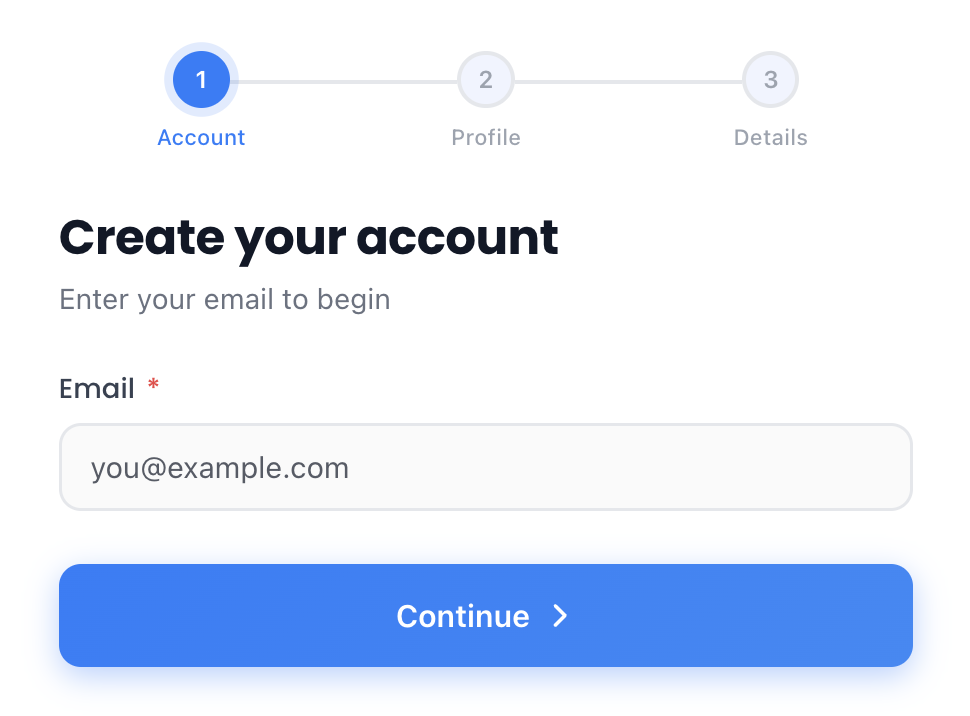
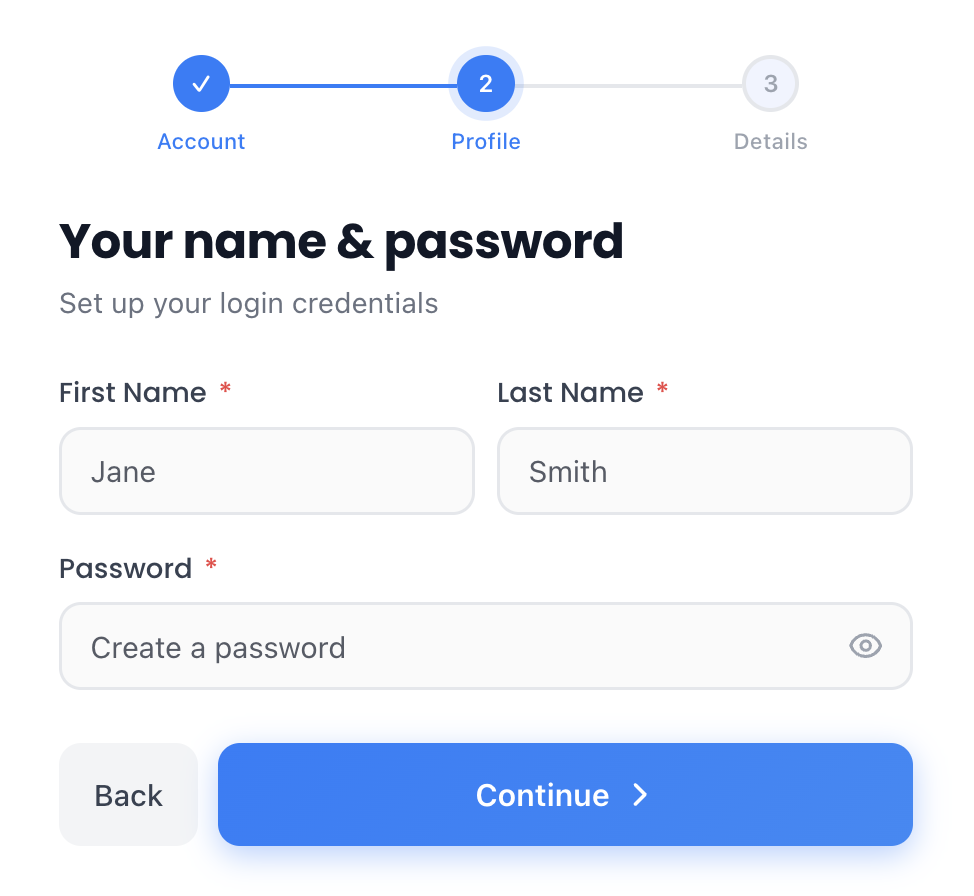
Enter your information
You'll be asked for a few quick details:
- Email address
- First and last name
- Password
- Mobile number
- Role / Title
- State
Access your account
Once you've submitted your information, you'll receive a confirmation email.
Check your inbox for a Welcome Email from "Parsec Education." If you don't see it, check your spam folder.
Already have an account? Log in here.
Was this article helpful?
What was missing?